
Rough-in ran long; trim-out pays for it
Phase-level costing shows rough-in eating hours mid-job — not after trim-out inherits the shortage. Re-crew, re-sequence, or price the change order while it still changes the outcome.
// ELECTRICAL CONTRACTOR SOFTWARE
Bid the job in sections, clock the crew against it, and watch labor-to-date against plan through every phase. Log switchgear and fixture orders against the job, so you see what’s arrived and what’s still out. Peer reviews and certs show which electricians to build your crew around.
01 — Built for electrical crews
Three problems that show up on the closeout report. Here is where the app catches each one earlier.
Phase-level costing shows rough-in eating hours mid-job — not after trim-out inherits the shortage. Re-crew, re-sequence, or price the change order while it still changes the outcome.
Hours cost the job at each worker's rate, so a journeyman-heavy week shows up in the number, and staffing the mix becomes a margin decision you can see.
Track licenses, NFPA 70E refreshers and lift cards with expiry alerts — and use 360° peer reviews to spot who is ready to run a crew before a competitor poaches them.
02 — Every feature, every trade
Every Worker Efficiency feature works for every trade. Here’s what five of them look like on an electrical job.
Custom forms
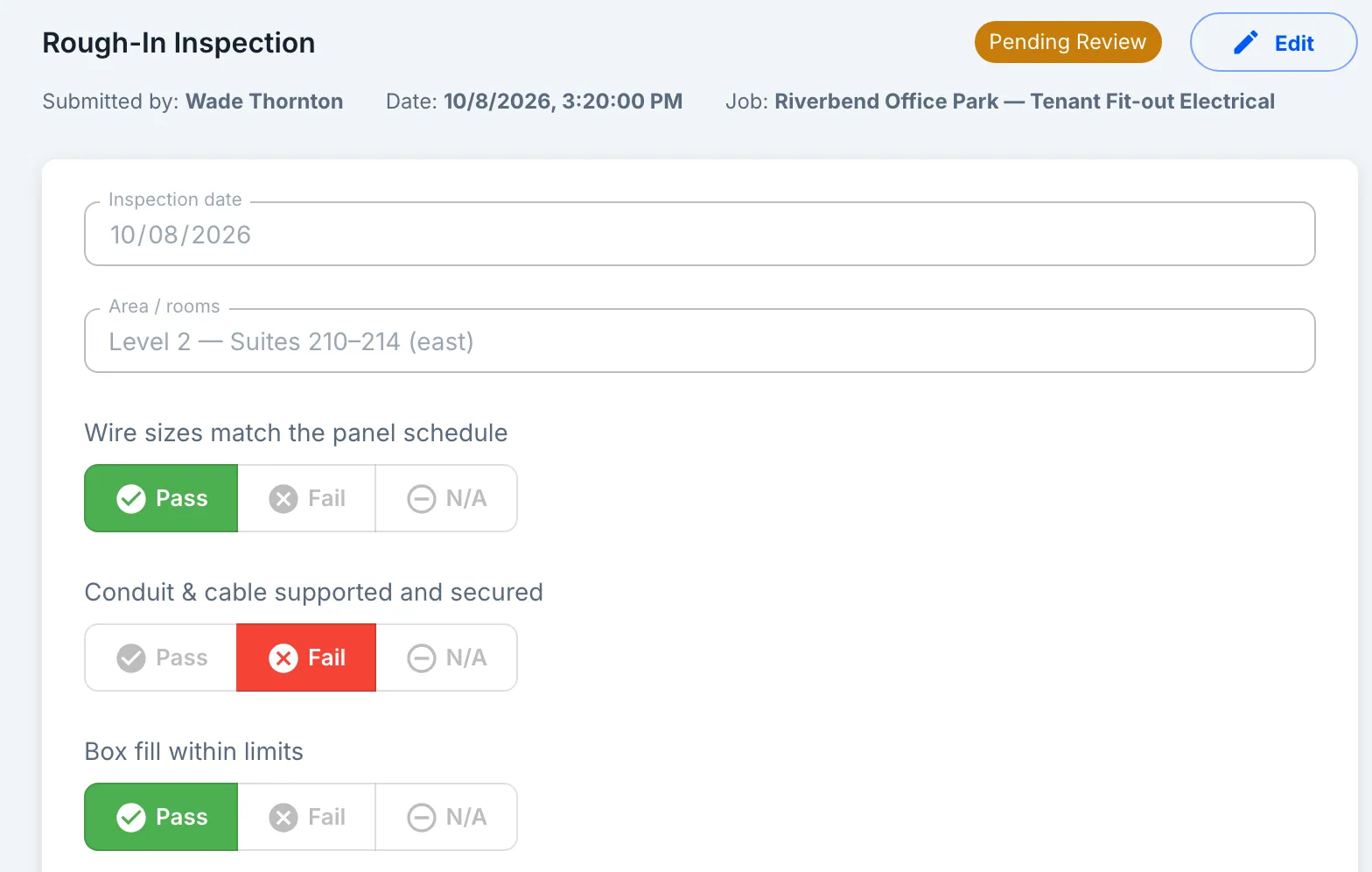
Build your rough-in inspection once, with pass or fail lines, photos and a signature, then publish it. Attach it to the job, and the crew works through it on their phone, line by line.
Inventory price list
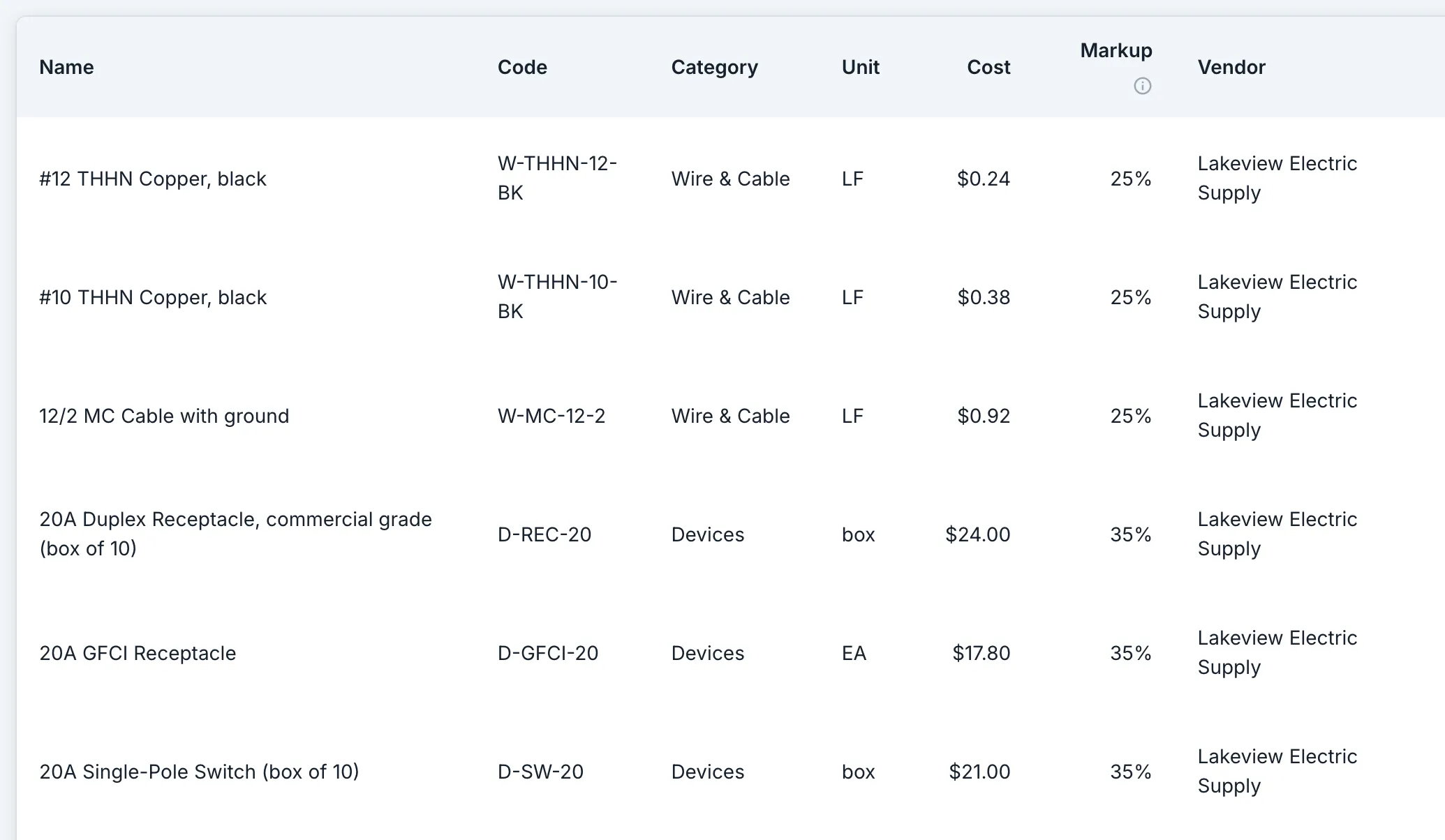
Build your price list once, with each item’s cost, unit and markup, or import a supplier’s sheet from Excel or CSV. Add a material line to a bid, pick the item, and you just enter the quantity.
Equipment
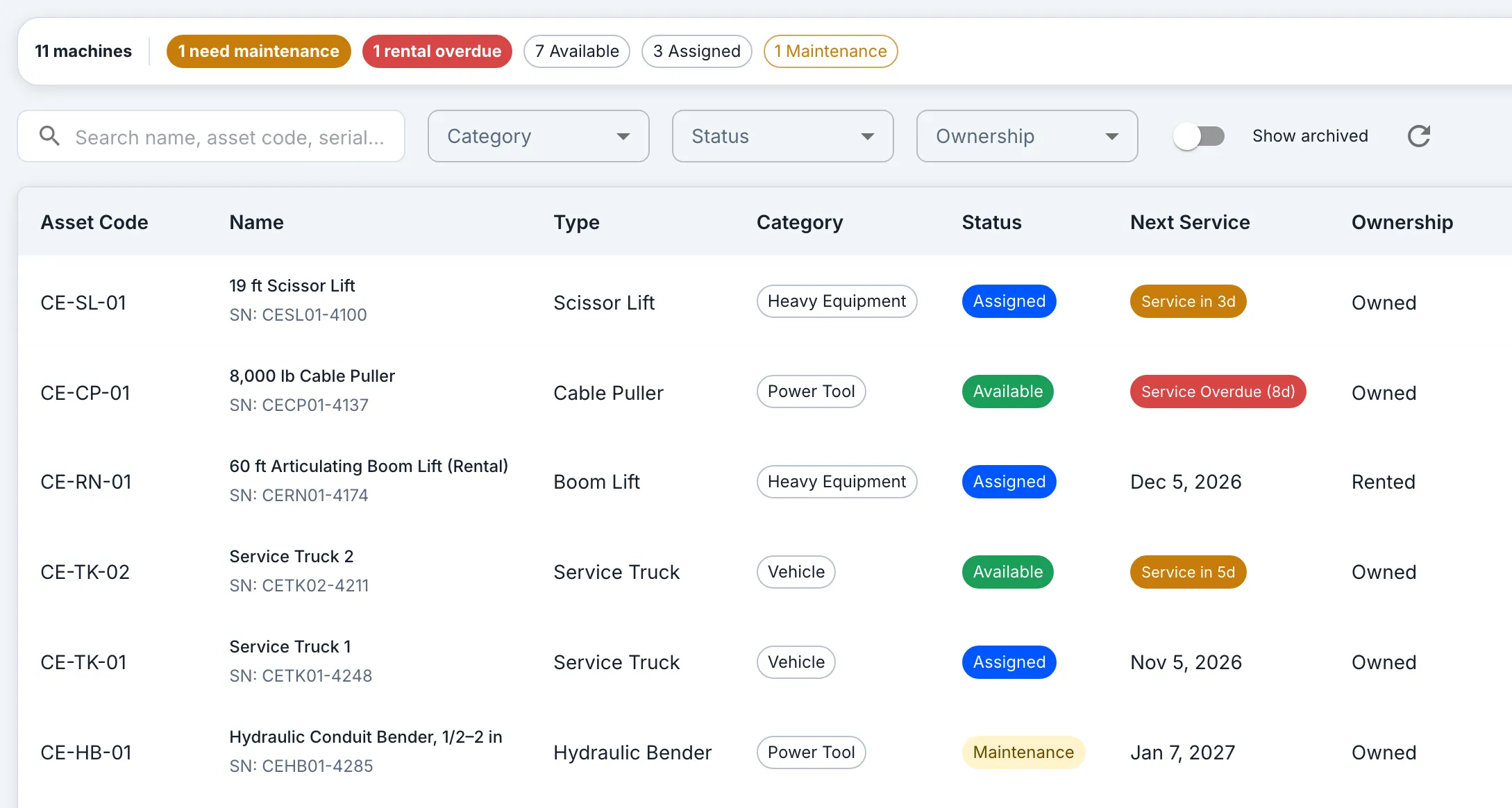
Put every lift, trencher and truck, owned or rented, on one list with its next service date. Overdue rentals are flagged. Assign a machine to an electrician on a job, so you know who has it.
Payroll export
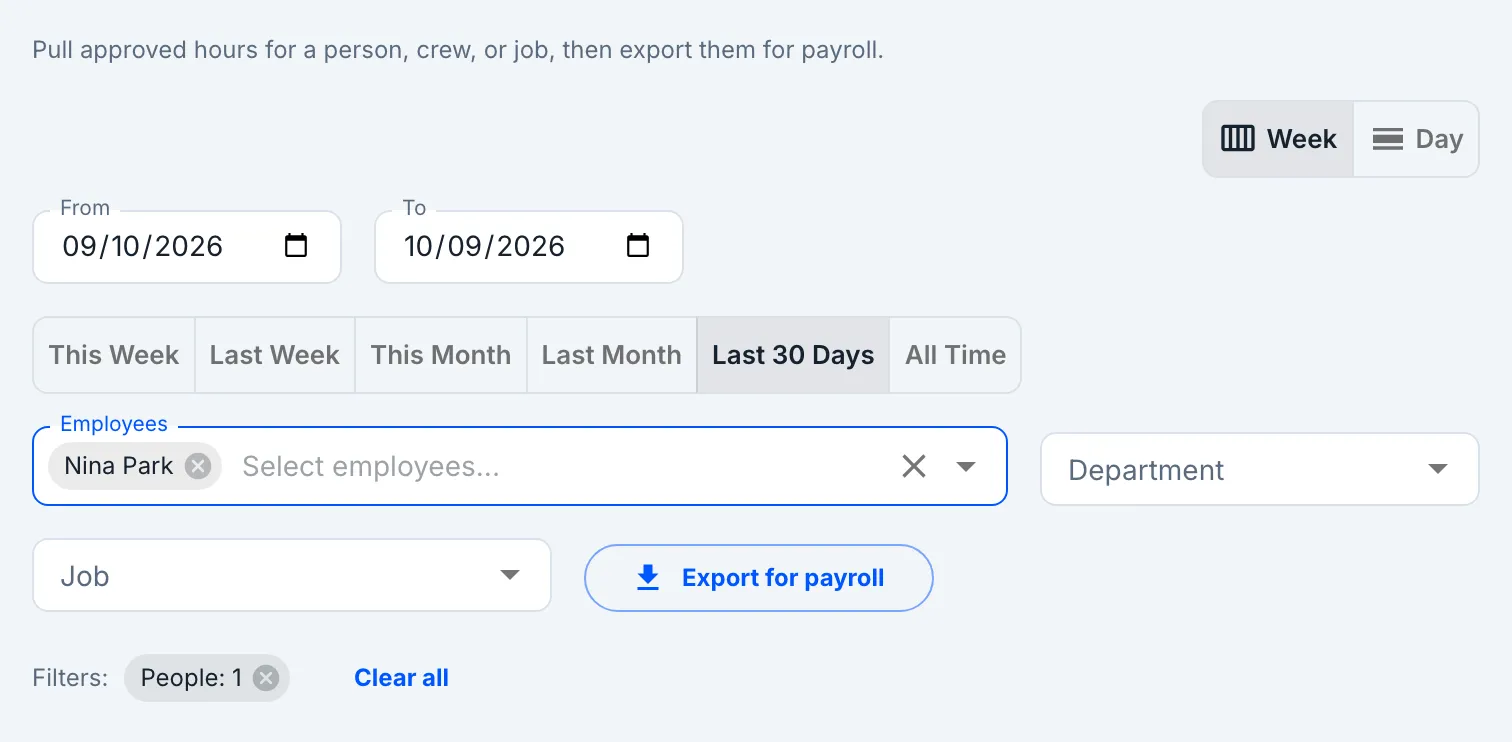
Crews clock in on their phone against the job, then start the task they’re on. One export gives payroll each worker’s regular, overtime and double-time hours, plus their hours by job.
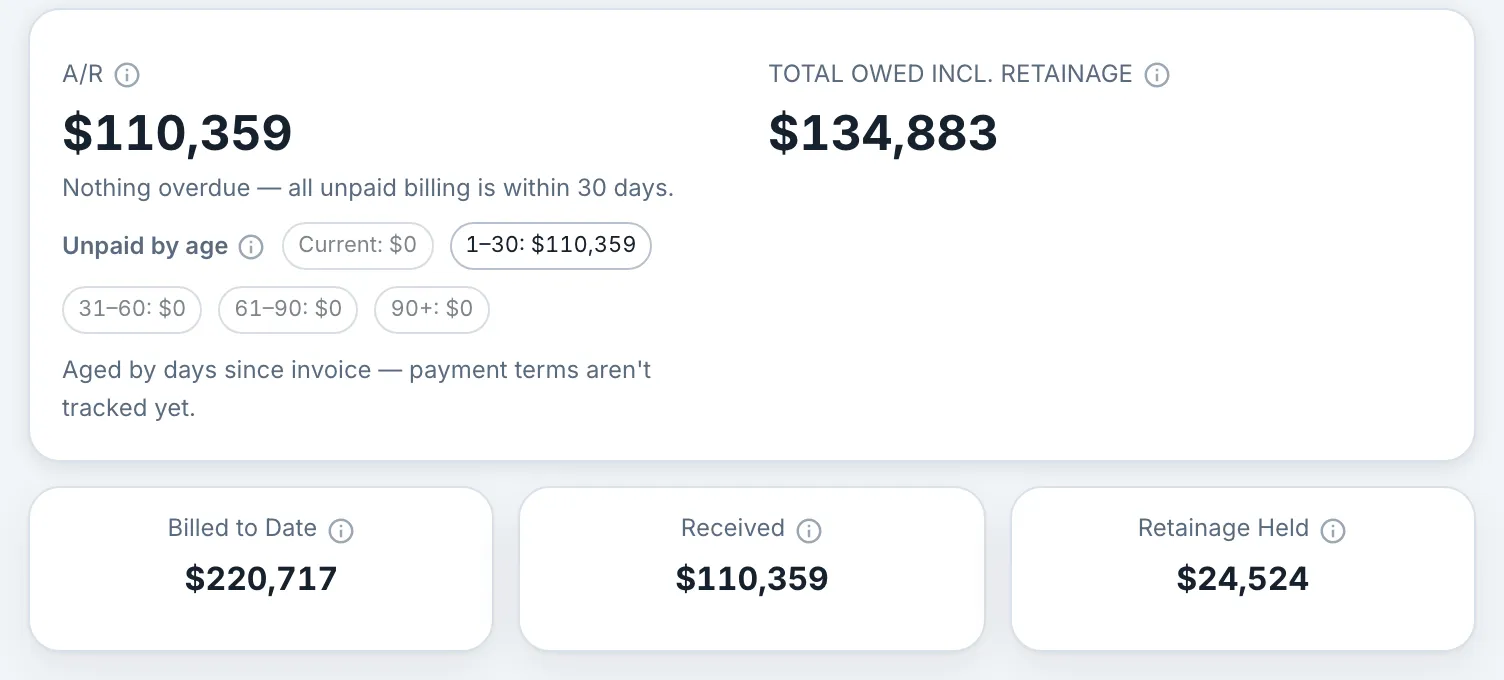
Billing & retainage
Log each bill you send and mark payments as they come in. Each job shows what’s still owed, including retainage the GC is holding, and the company overview totals it across jobs.
Also in the app
Bids, the schedule board, change orders, materials, peer reviews, certifications and training work the same way for every trade. The homepage tour shows each one in the real app.
Take the tour03 — Job costing
The estimate's sections become the job's phases, labor lines become tasks with hours, and the field's clock-ins price the work as it happens. No Sunday-night spreadsheet reconciling three tools.
Yes — roles control who sees money. Put foremen on the Manager role: they see their crew and its hours, while job margins and the financial cards only show for the General Manager and Admin roles.
Yes. Multi-phase jobs fit buildouts; single-task jobs fit service. Both feed the same live-costing engine and the same timesheets.
// Also built for
Electrical crews of any size: $2–5 per user per month, priced on this site, no sales call. Your first live margin number is one clocked shift away.